
Online booking with email reminders, from one link
Online booking in Enosis runs from one public link, for a physiotherapy practice or a training studio. A booking made there appears in your calendar, and the client gets an email confirmation. By default a reminder follows 24 hours before the session.
- Free during the beta
- Italian, German and English
- Hosted in Germany
How a booking goes
You share one link
Your studio has one public address. Put it on your website, or send it to a client after the first visit.
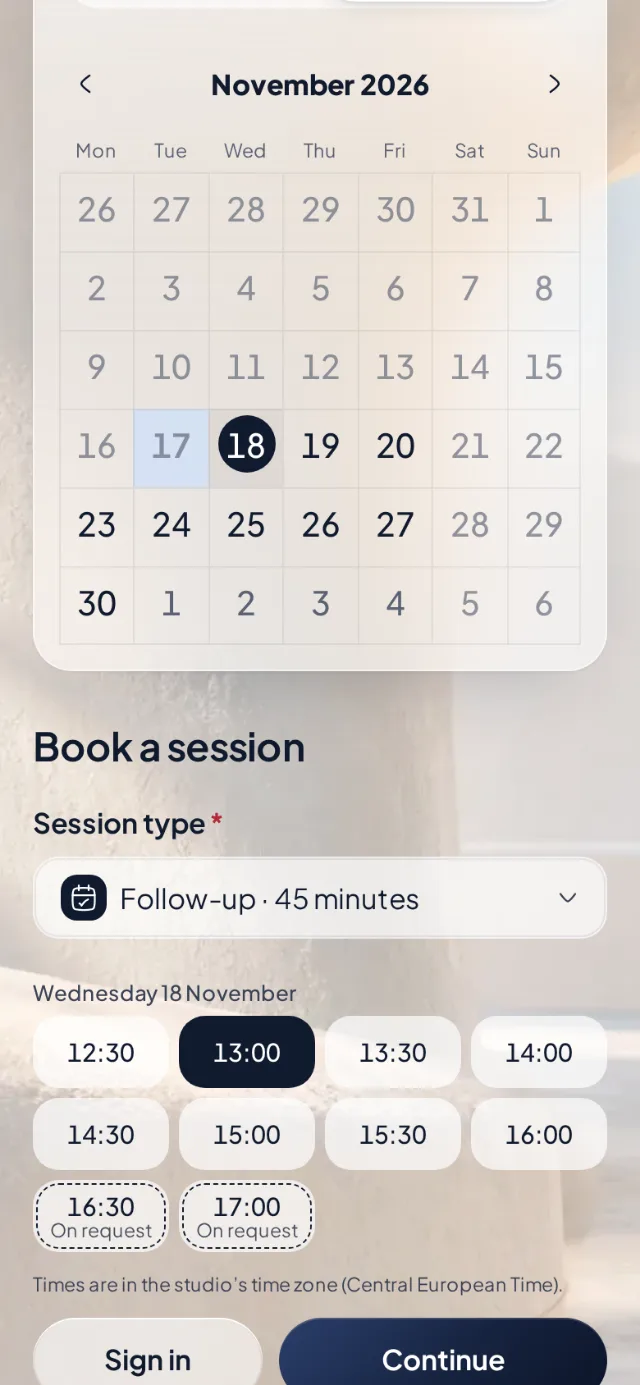
The client picks a time
Clients pick a free time on your studio's public link. If the time they want is taken, they can request it, and you decide. They sign in only to confirm.
It appears in your week
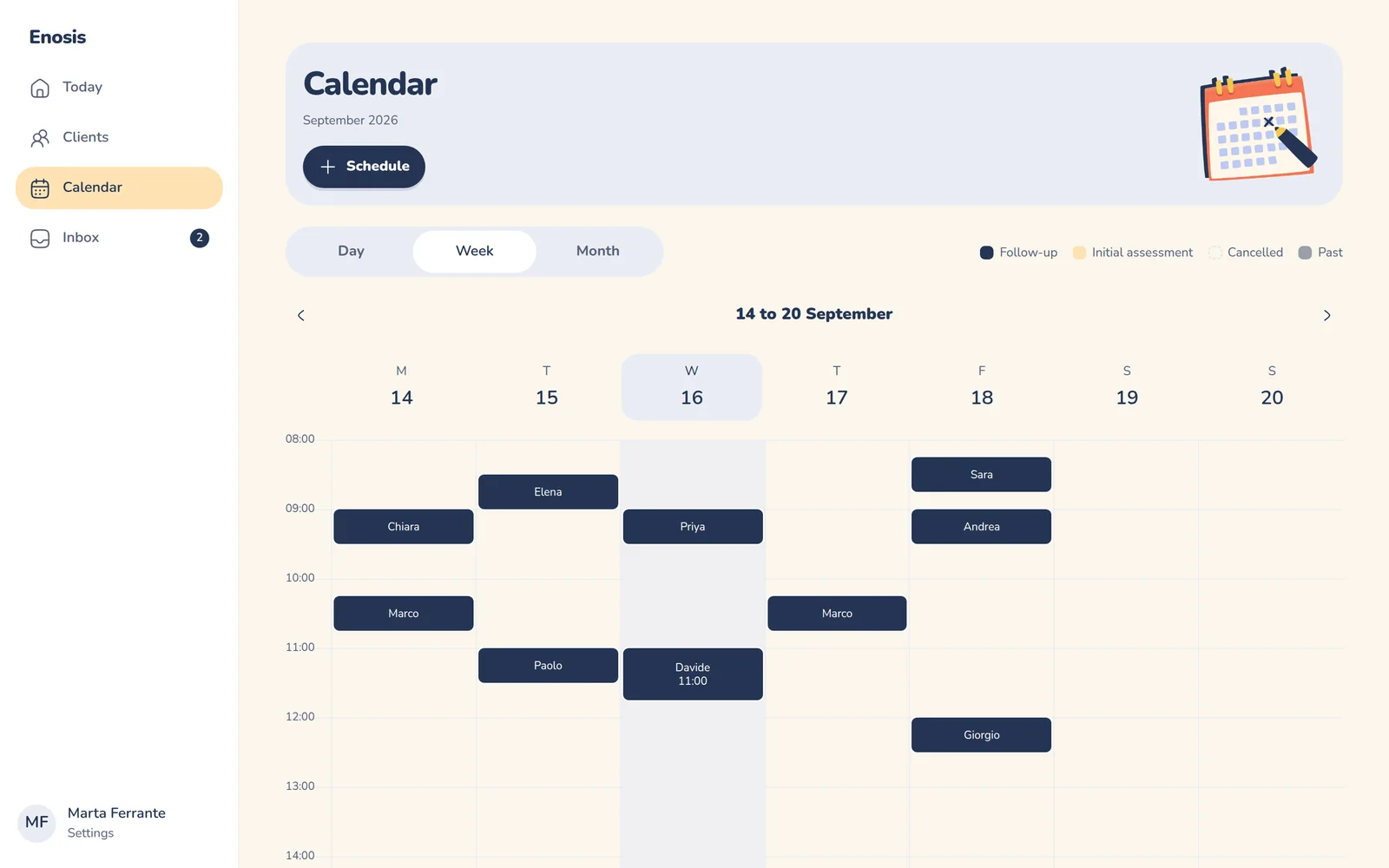
The studio's week, with Public link at the top. The session shows in your calendar with its session type, and the ones clients booked themselves are marked as such.
The reminder goes out
You can change when the reminder goes out. It goes to every client with an email address who has not stopped reminders, and each reminder has a link to stop them. A confirmation is sent whenever a session is booked or moved.
They move or cancel
From the same link, in their own app, the client moves or cancels the session.
More about the client app
What it does
Day, week and month
One calendar for the studio, with your own session types, each with its colour, and repeating sessions. Move or cancel one of a series as only this one, or as all that follow.
Reminders by email
Confirmations and reminders are written in the language the client chose.
Google Calendar, if you want it
Connect it, and Enosis sees your Google calendars and puts its sessions in a calendar called Enosis, with the client's initials only. The times you are busy in Google are not offered on your public link.
What it does not do
One practitioner per studio
During the beta a studio has one login. Several practitioners, roles and a front desk are coming.
No payment at booking
Booking a time takes no payment. Clients pay the way they pay you today.
Email only
Every message to the client goes by email, so they need an address they read.
Goes with
The client app
What your clients see and do in their own app.
Beside your other software
What stays in your billing, class or gym system.
Questions
Does the client need an account to book?
Not to see your free times. When they confirm, they sign in with Google or with a code sent to their email.
What does the reminder say?
Your studio's name, address and phone, the date and the time, and a link to manage the appointment. Nothing clinical is ever in it.
Can I keep using Google Calendar?
Yes, and connecting it is optional. Your own appointments stay in Google. When you connect, Google shows a warning, because it has not verified Enosis yet.
Request beta access
Enosis is free during the beta, and studios join by invitation. Leave your email to ask for an invitation.
Already invited? Log in